


QR Payments
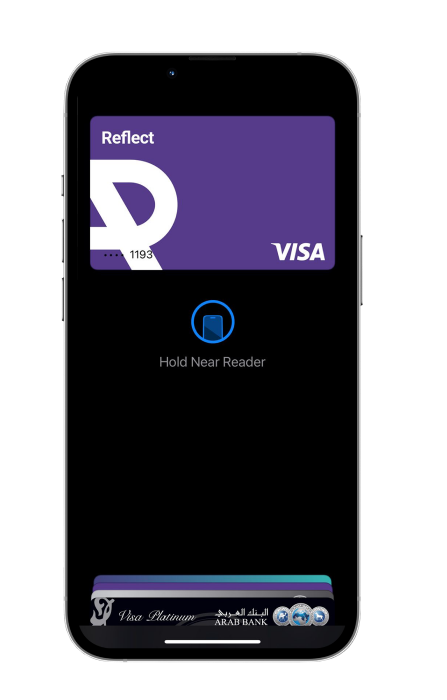
No need to worry about your wallet, whether you forgot it or not. You can easily pay at your favorite stores using Reflect QR.
Save and pay with Reflect QR and enjoy special offers, discounts, and instant cashback at selected merchants.
How to pay using Reflect QR
- Press and hold the Reflect app icon.
- Select “Scan QR.”
- You will be automatically logged in to your account.
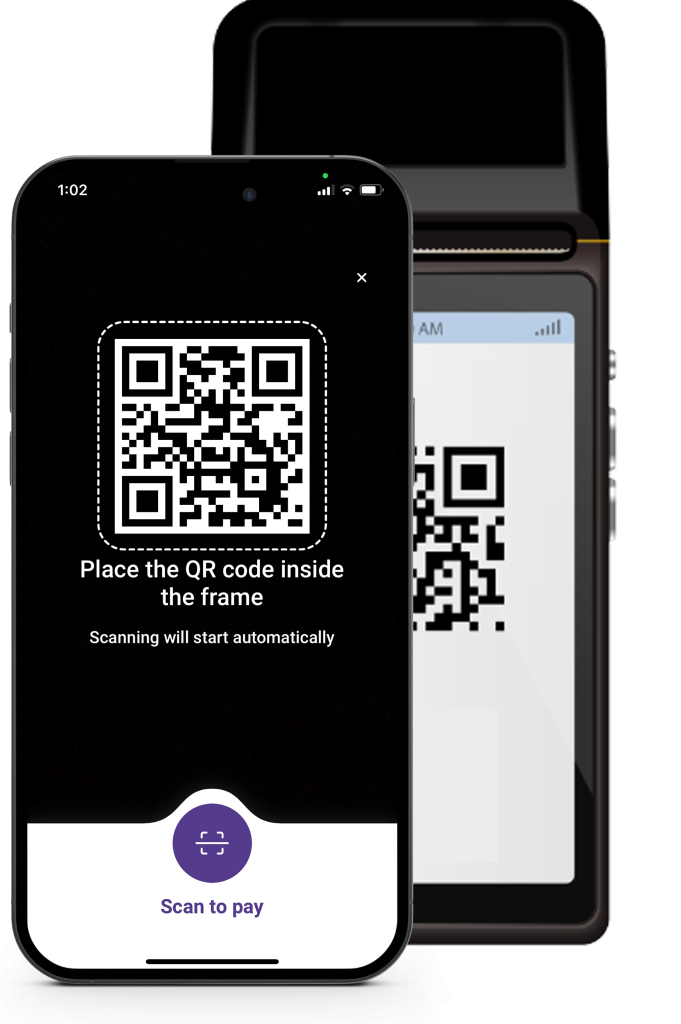
- You will be taken directly to the QR scanning screen.
- Scan the QR code on the payment terminal.
Alternatively, you can pay by logging into the app and tapping the “Pay with QR” icon at the bottom of the screen.